Fire Dragon Account Verification – ID Requirements for Filipino Players
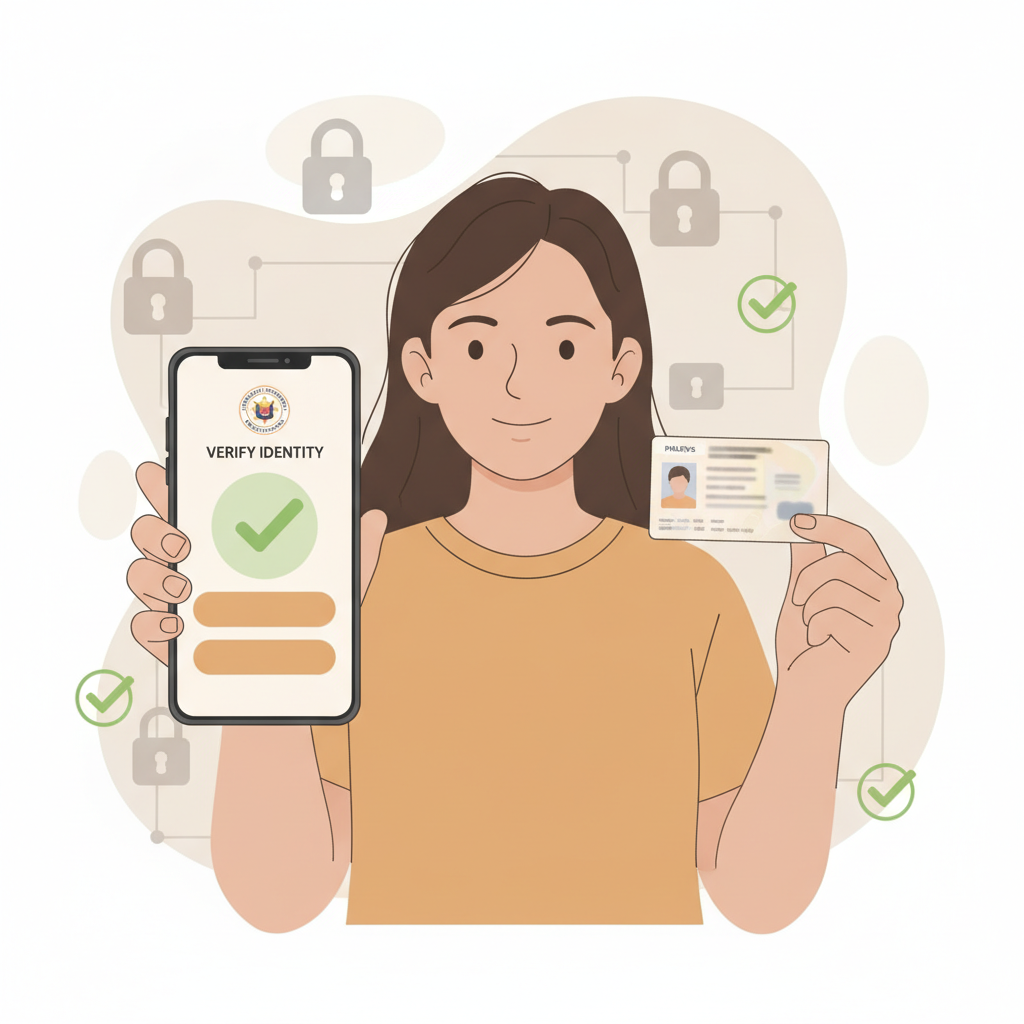
Why ID Verification is Required on Fire Dragon
Fire Dragon requires all players to verify their identity before they can withdraw winnings or access the full range of features on the platform. This process confirms that every account holder is at least 21 years old, as required by law for online casino and sports betting services in the Philippines.
Fire Dragon is for players aged 21 and over only. The verification step protects both the platform and players by preventing underage gambling and helping to keep accounts secure from fraud.
When you complete Fire Dragon register, you can make deposits and start playing immediately. However, you will need to submit valid identification before requesting your first withdrawal. Many Filipino players choose to verify their account right after signing up to avoid delays later.
Account verification also helps Fire Dragon comply with responsible-gambling standards and anti-money-laundering regulations. This step is standard across legitimate online casino platforms in the Philippines and worldwide.
Accepted ID Documents for Fire Dragon Verification
Fire Dragon accepts several government-issued IDs commonly held by Filipino players. Your document must be valid (not expired), show your full name, date of birth, photo, and ID number clearly.
Accepted forms of identification include:
- Philippine passport – The bio-data page with your photo, full name, date of birth, and passport number
- Driver's license – Both front and back of a valid LTO driver's license
- UMID (Unified Multi-Purpose ID) – Front and back showing all required details
- Postal ID – Valid postal identification card issued by PHLPost
All four corners of your ID must be visible in the photo or scan you upload. The text, photo, and security features should be clear and readable. Blurry images, partial documents, or IDs with covered information will be rejected.
Fire Dragon does not accept screenshots of IDs, photocopies that have been photographed, or digitally edited images. You must upload an original photo or scan of the physical card or passport page.
If your ID shows a nickname or maiden name that does not match the name you used during Fire Dragon register, you may be asked to provide an additional supporting document such as a marriage certificate or barangay certification to confirm your identity.
Expired IDs are not accepted. If your driver's license or postal ID has passed its validity date, renew it before attempting verification or use a different valid ID from the accepted list.
How to Upload Your ID Documents Through Fire Dragon
Once you have a clear photo or scan of your chosen ID, log in to your Fire Dragon account using your Fire Dragon login credentials. The verification process is designed for mobile users, so you can complete it directly from your Android phone.
Step-by-step upload process:
1. Access the verification section
After Fire Dragon login, tap the menu icon or your profile section. Look for "Account Verification," "KYC," or "Upload Documents." The exact label may vary, but it is usually found under account settings or profile.
2. Select ID type
Choose the type of ID you will upload from the dropdown menu – passport, driver's license, UMID, or postal ID. Selecting the correct category helps the verification team review your documents faster.
3. Take or upload photos
You will be prompted to upload an image of your ID. Many players find it easiest to use their phone camera to take a new photo in good lighting. Place the ID on a flat, dark surface, ensure all four corners are visible, and avoid glare or shadows.
For driver's license, UMID, and postal ID, you will need to upload both the front and back. For a passport, upload only the bio-data page.
4. Review and submit
Before tapping "Submit," double-check that your full name, photo, date of birth, and ID number are readable. Fire Dragon cannot process unclear or incomplete images, and you will need to re-upload if the photo quality is too low.
5. Confirmation message
After submission, you should see an on-screen confirmation or receive an email acknowledging that your documents have been received and are under review.
If you encounter any technical issues during upload – such as file size limits or unsupported formats – try resizing your photo to under 5 MB and saving it as a JPG or PNG file. Most mobile cameras produce images that meet these requirements without extra editing.
Verification Timeline and What Happens After Submission
Fire Dragon typically reviews ID submissions within 24 to 72 hours. During peak periods or weekends, the process may take slightly longer. You do not need to contact support unless more than three business days have passed without an update.
What to expect during the review period:
- You can continue to Fire Dragon login, make deposits with GCash or Maya, and play slots, live dealer games, or place bets on PBA and NBA while your verification is pending.
- Withdrawal requests will remain on hold until your account is fully verified.
- If your documents are approved, you will receive a confirmation email or in-app notification. Your account status will update to "Verified," and you can proceed with withdrawals.
If additional information is needed:
Fire Dragon may contact you via email or SMS if your ID photos are unclear, expired, or do not match your registered account details. Common reasons for follow-up requests include:
- Blurry or cropped images where text or photo is not readable
- Name mismatch between your ID and the name used during Fire Dragon register
- Expired ID or missing back side of the card
- Suspected editing or alteration of the document image
If you receive a request for re-submission, log back in and upload a new, clearer photo following the same steps. Respond promptly to avoid further delays in accessing your winnings.
Once approved, your verification remains valid as long as your ID does not expire and your account details do not change. You will not need to verify again for future withdrawals unless Fire Dragon requests an updated document due to expiration or account security reasons.
Keeping Your Personal Information Secure
Uploading a copy of your government-issued ID requires trust. Fire Dragon uses encryption and secure servers to protect the personal documents and data you submit during the verification process.
Tips to protect your information:
- Only upload through the official Fire Dragon platform. Never send ID photos via email, social media, or unofficial websites claiming to offer Fire Dragon login shortcuts or "faster verification."
- Use a secure internet connection. Avoid public Wi-Fi when uploading sensitive documents. Use your mobile data or a trusted private network.
- Check the web address. Make sure you are on the legitimate Fire Dragon site before entering your Fire Dragon login details or uploading IDs. Phishing sites may mimic the design to steal your documents.
- Do not share your login credentials. Keep your Fire Dragon username and password private. No legitimate support team will ask for your password.
Fire Dragon stores your submitted documents in compliance with data privacy standards. Your ID is used solely for age and identity verification, anti-fraud measures, and regulatory compliance. It will not be shared with third parties for marketing or unrelated purposes.
If you have concerns about how your data is handled, review the platform's privacy policy or contact Fire Dragon support for clarification. As an independent guide, we recommend that all players read the terms and privacy documents before submitting personal information.
Responsible Gambling Reminder
Fire Dragon is for players aged 21 and over only. Set limits on your deposits and playing time, and never bet more than you can afford to lose. If you feel that gambling is affecting your well-being, seek help from a trusted support service.
Summary: Fire Dragon account verification requires a valid government-issued ID to confirm you are 21 or older. Accepted documents include a Philippine passport, driver's license, UMID, or postal ID. Upload clear photos through your account after Fire Dragon login, and expect approval within 24 to 72 hours. Keep your information secure by using only the official platform and a private internet connection.